Use Case

Turn organic creator content into Meta Partnership Ads

Identify creators already posting about you, secure usage rights, and launch live Partnership Ads in one workflow.

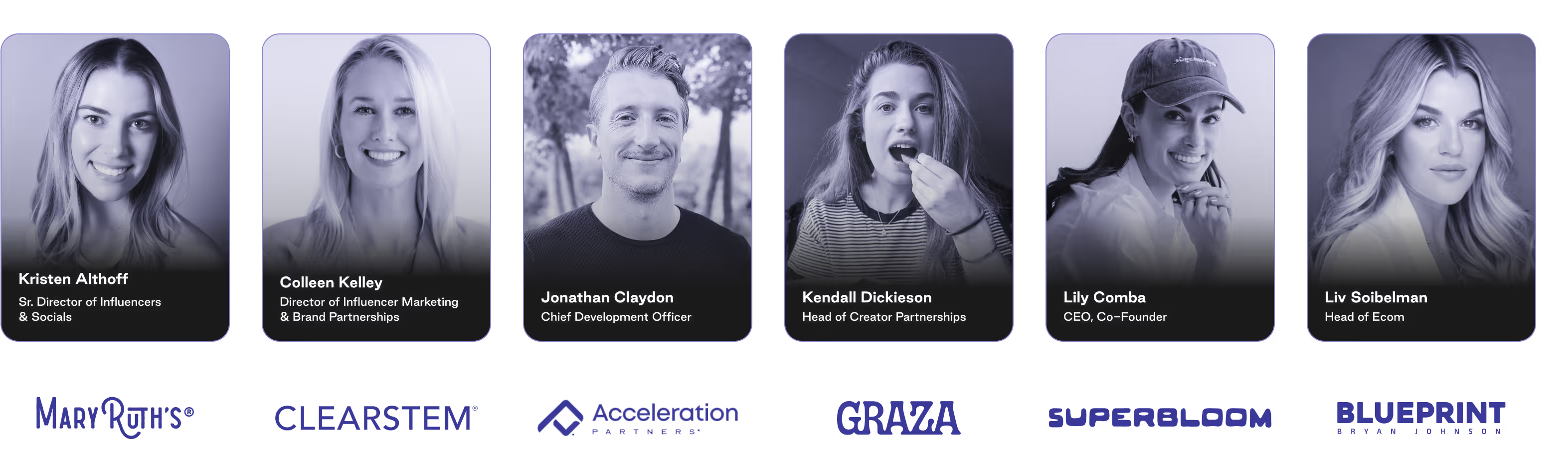
Trusted by brands winning creator-led advertising

The problem

Your best-performing creative exists in someone else's feed.

The creators most likely to make your next winning ad are already talking about you in their content. But surfacing that content happens in one tool, asking for usage rights happens over DM, and launching happens in Meta Ads Manager.

Superfiliate replaces these disconnected steps with one end-to-end social listening workflow.

Sourcing

Standalone social listening tool

Rights

Manual DMs 
and emails

Tracking

Spreadsheet of ad codes and expiration dates

Launch + Report

Meta Ads Manager

The workflow

From creator mention to live Partnership Ad

No downloading, re-uploading, or rebuilding in Meta Ads Manager.
Identify

Find the creators already mentioning you.

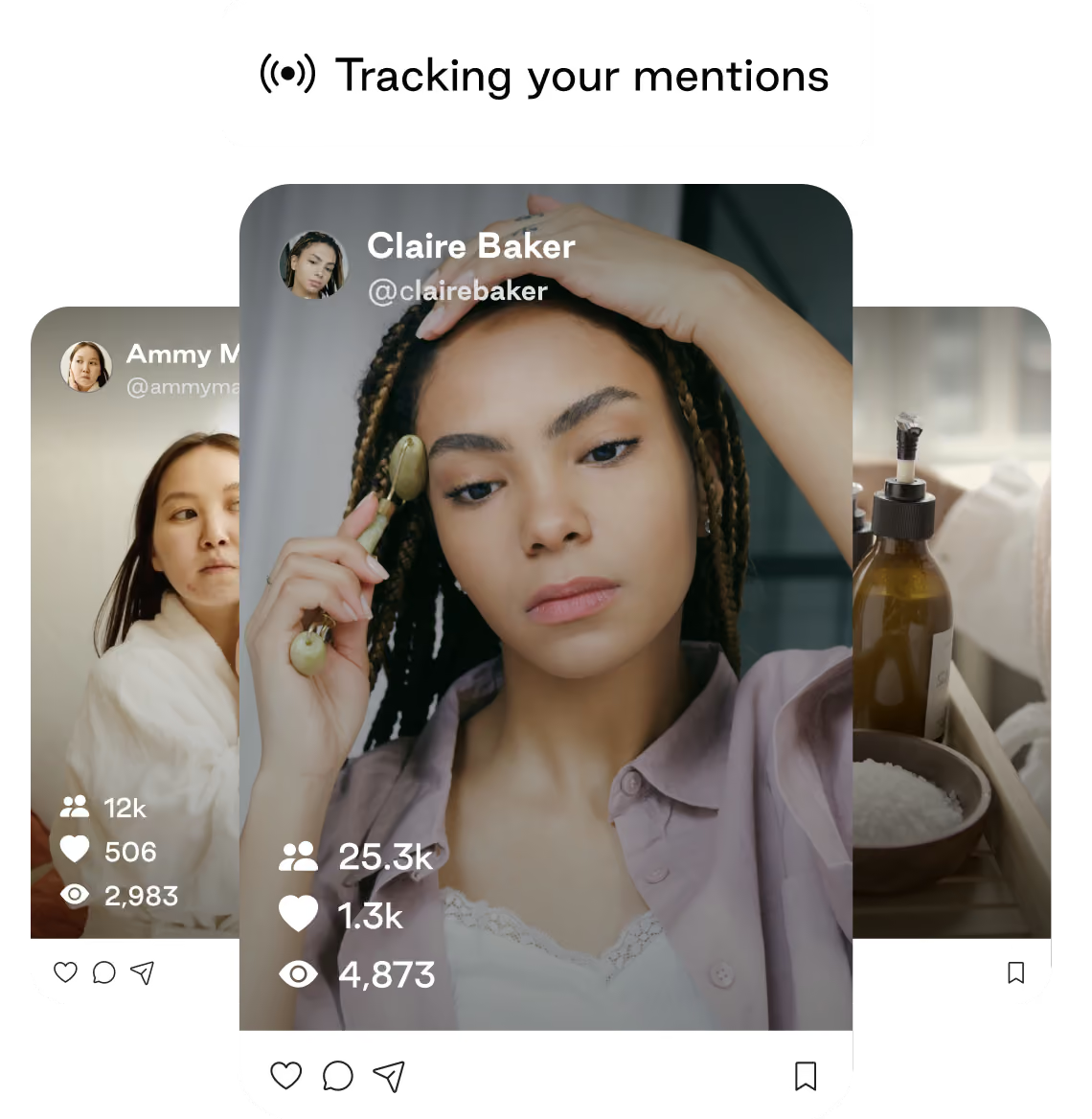
Social Listening surfaces organic mentions and the creators you're already working with, so you can identify the organic winners to amplify as ads.
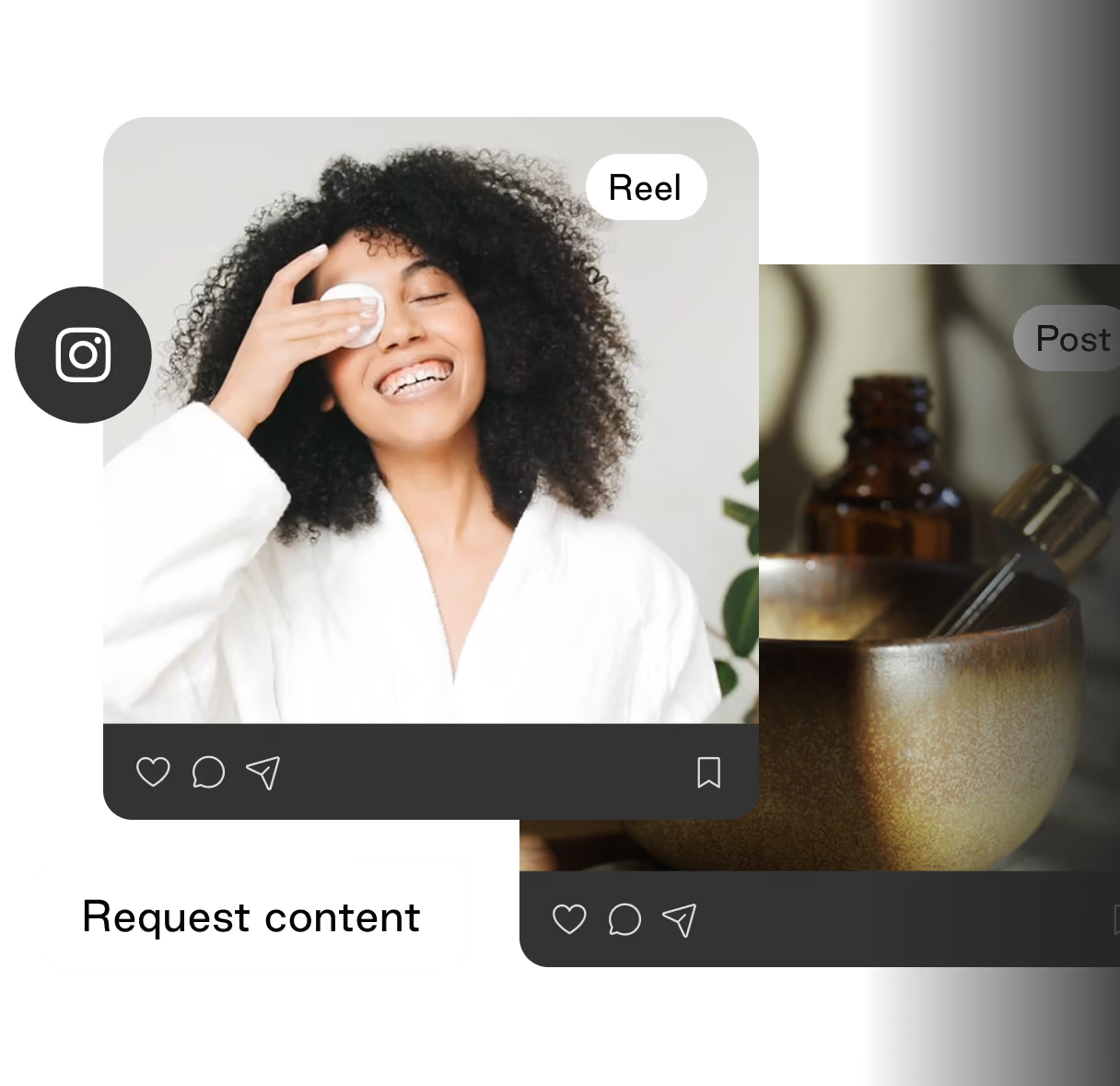
Request rights

Request usage rights and ad permissions in platform.
Get Partnership Ad permissions 
and usage rights to organic creator content with one click. No DM threads or chasing.
Manage Rights

Get approved content into Meta automatically.
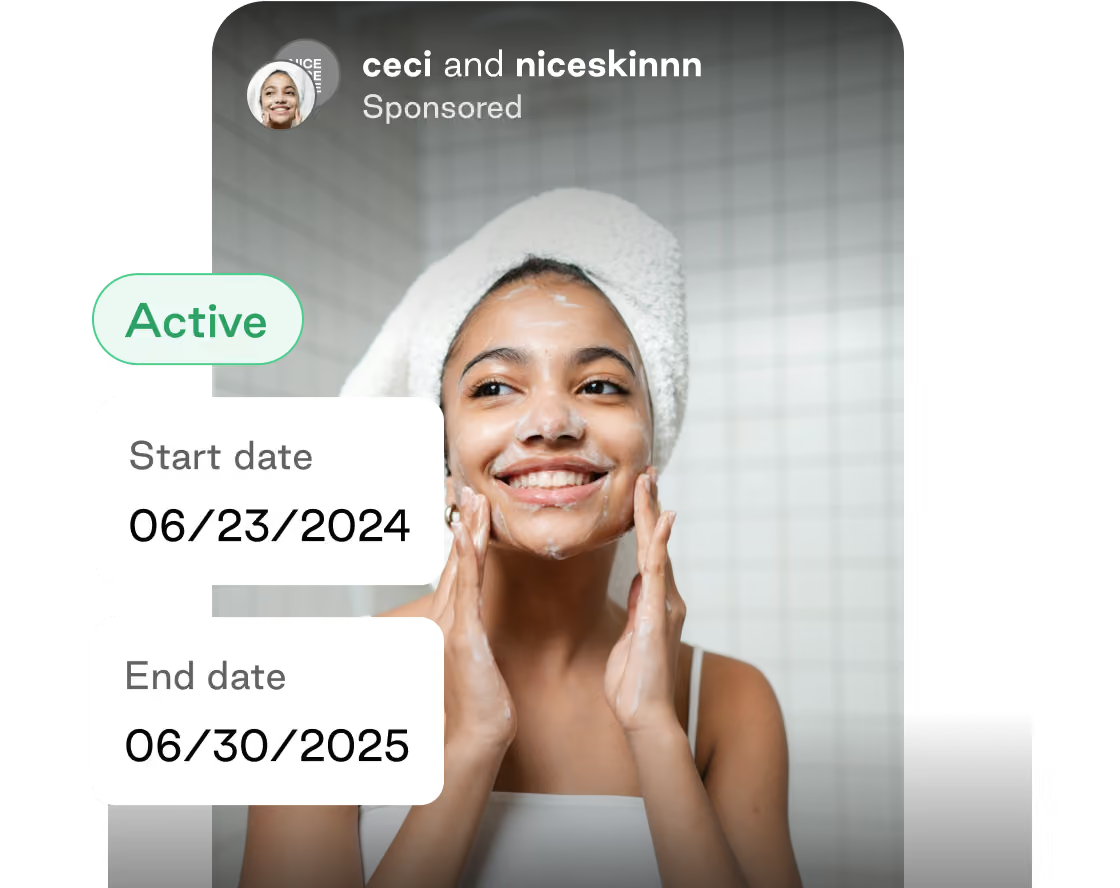
Content pulled in via Social Listening syncs to your Meta Content Library automatically, with usage rights filterable by both creator and asset.
Smiling woman with a towel wrapped around her head applying facial cleanser in a tiled bathroom, with text indicating a skincare campaign active from June 23, 2024, to June 30, 2025.
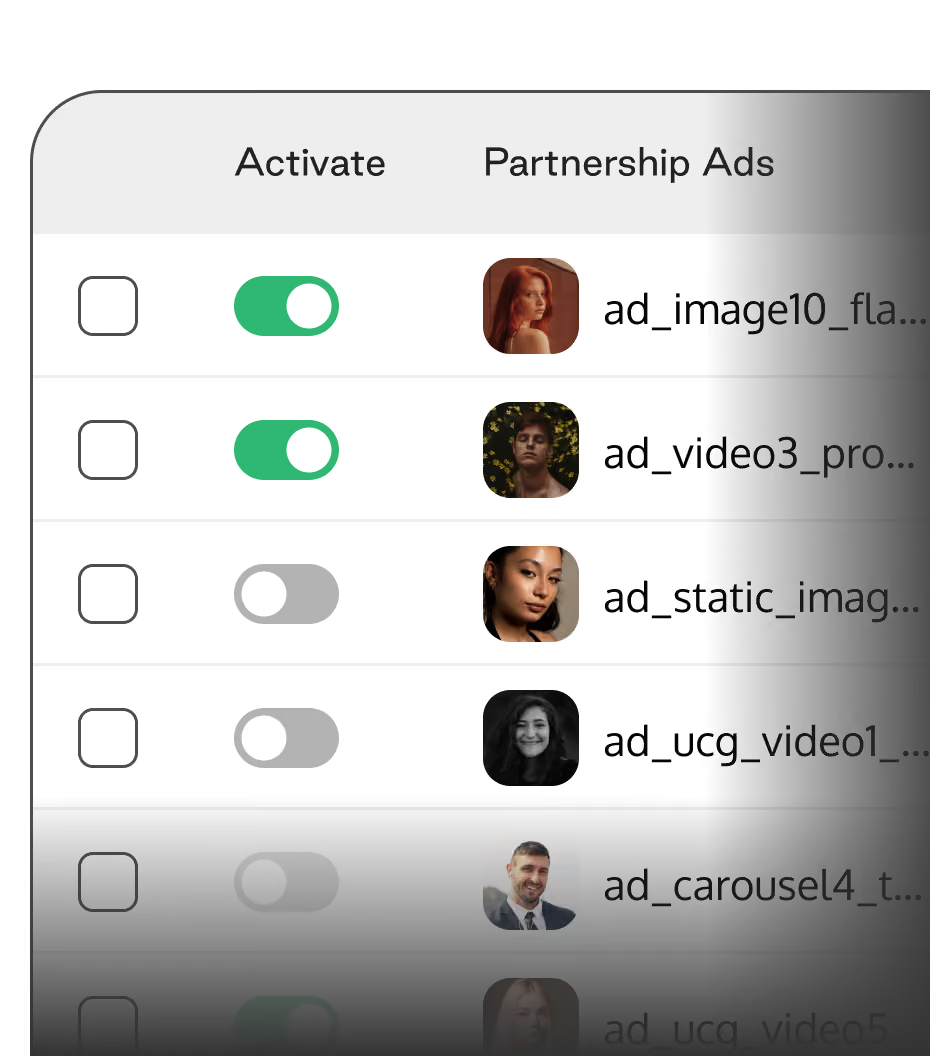
Launch Ads

Launch Partnership
Ads in bulk.

Once content is ready to launch, 
build ads in Bulk and push them directly into your existing Ad 
Account structure.
User interface displaying a list of partnership ads with rows for each ad showing a profile image, an activation toggle switch, and a checkbox. Two toggles are green and activated; three are gray and off. The profile images vary, featuring different people. Ad names like ad_image10 and ad_video3 are partially visible next to the images.User interface displaying a list of partnership ads with toggle switches to activate or deactivate each ad, showing small thumbnail images of people along with partial filenames.
A user interface table with columns labeled Activate and Partnership Ads showing toggle switches and profile images of people. The first two rows have green toggles switched on with profile pictures of a red-haired woman and a man with yellow flowers, and the third row has a gray toggle switched off with a profile image of a woman with dark hair. Each row also has checkboxes on the left, all unchecked.
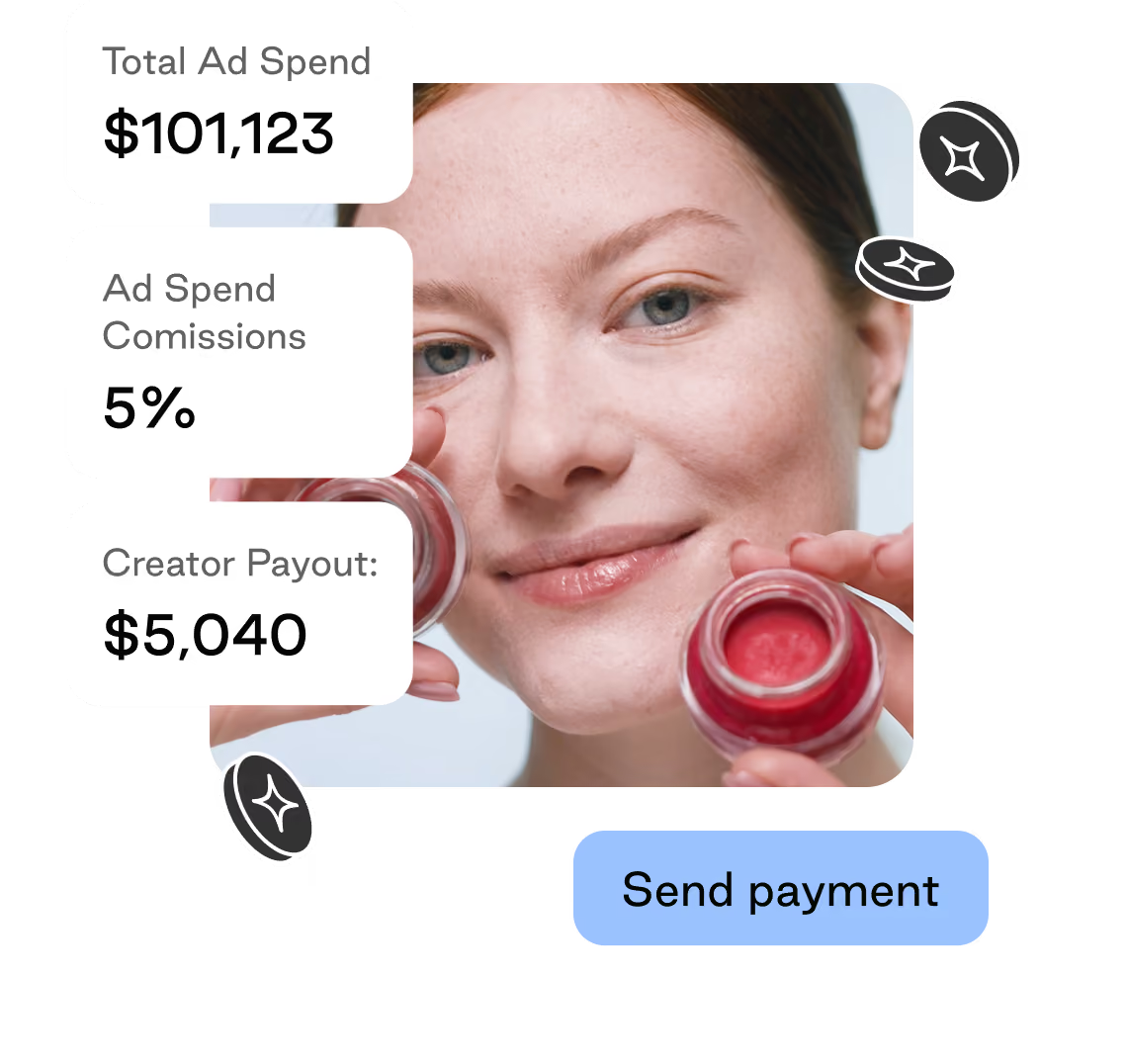
Compensate Creators

Pay creators on your terms.

Set flat fees upfront or pay by percentage of ad spend. Surface your top ads in the insights dashboard, so can double down on your top-performing creators.
The toolkit

Everything you need to scale creator ads
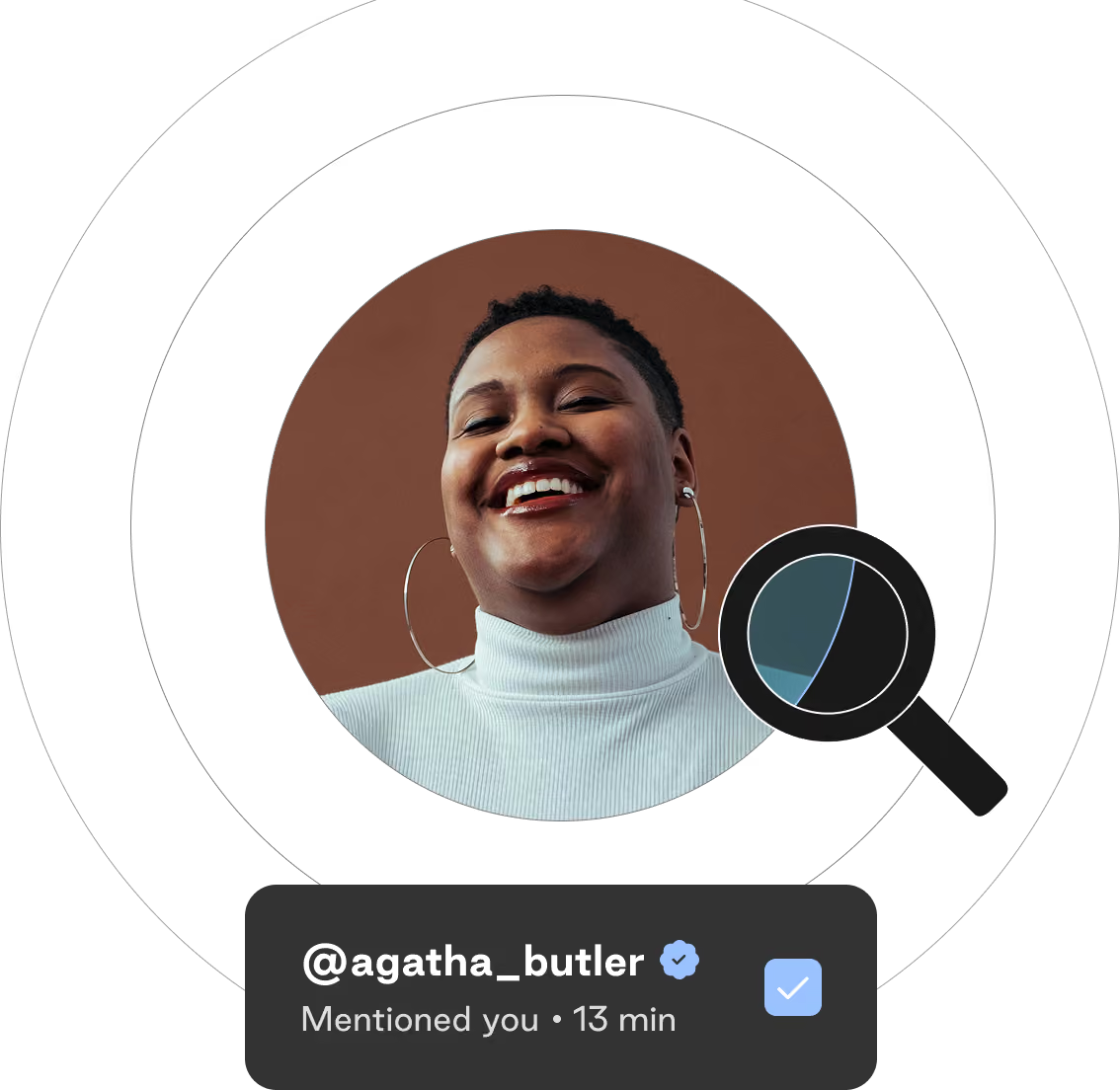
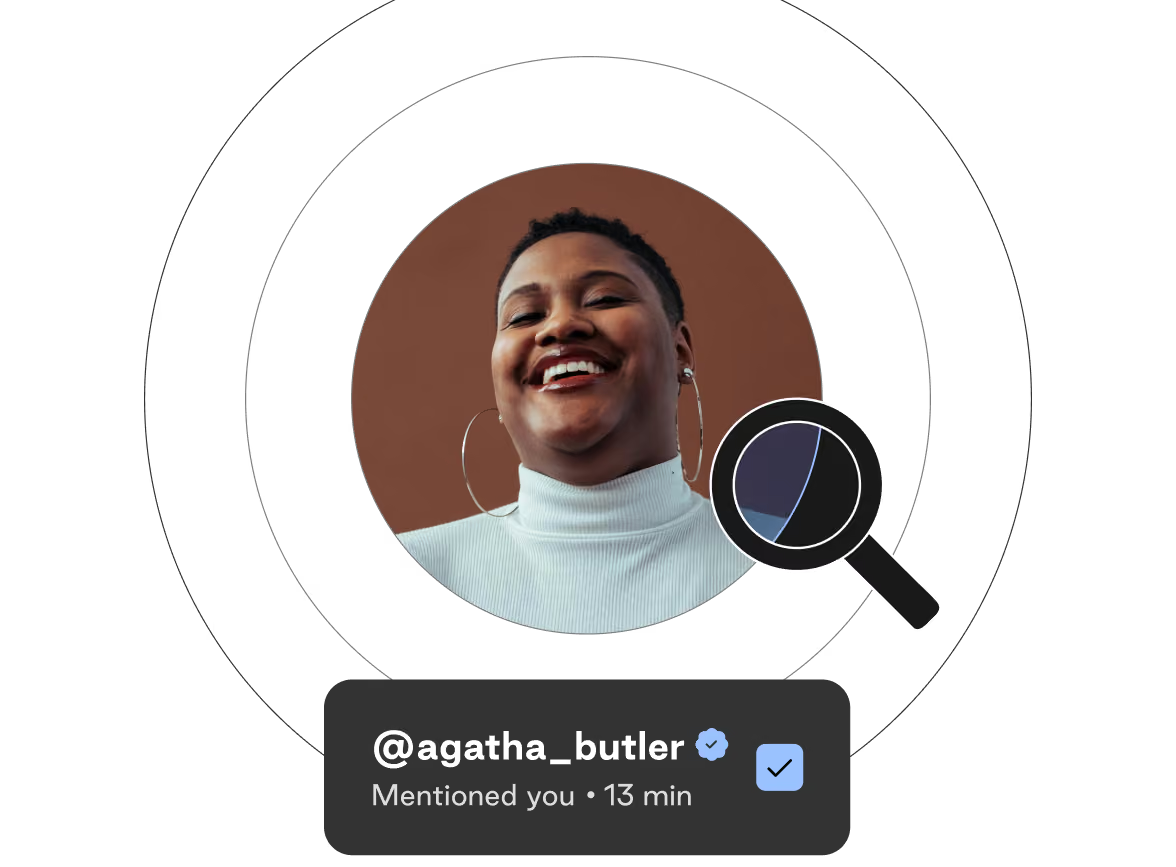
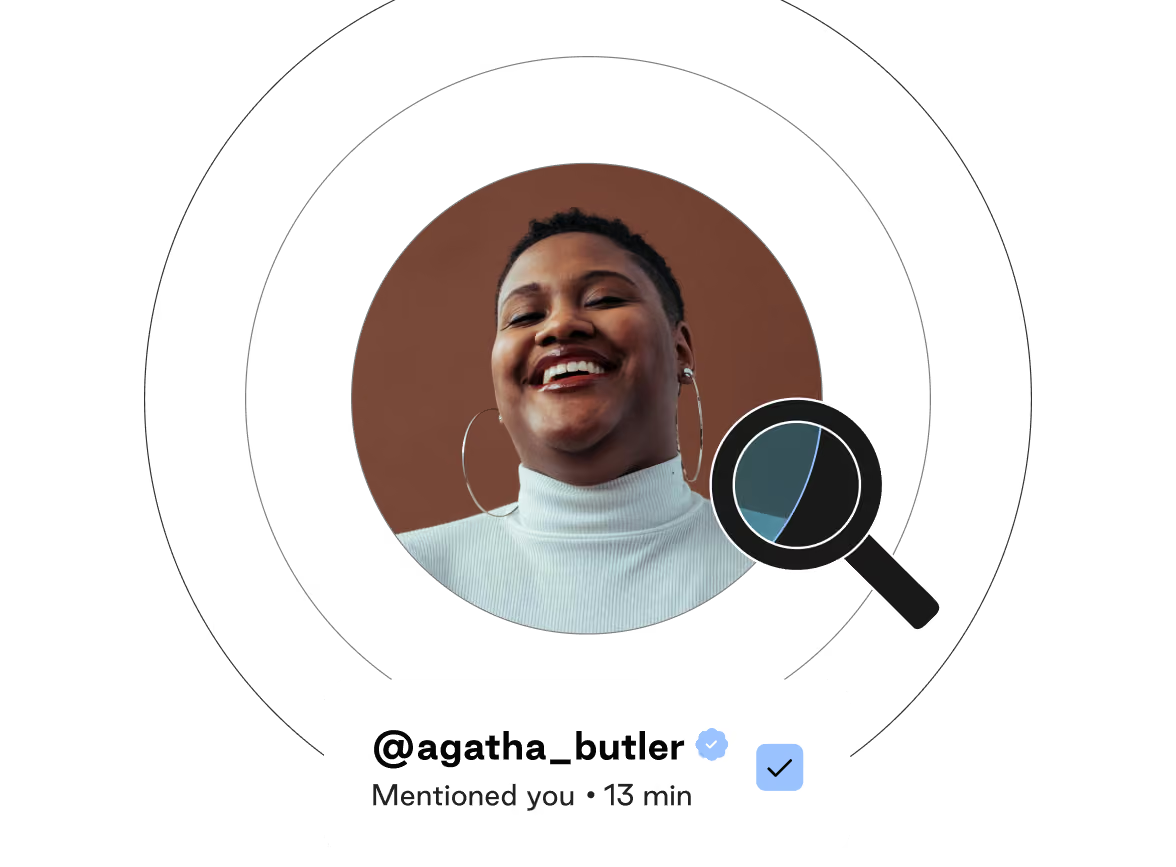
Smiling person with hoop earrings and a white turtleneck sweater, with a social media mention notification showing @agatha_butler and verification checkmark.
Smiling person with short hair wearing a white turtleneck and large hoop earrings in a circular frame, with a black magnifying glass icon over the right side and a notification box below showing a verified username '@agatha_butler' and text 'Mentioned you • 13 min'.Smiling woman with short hair and large hoop earrings wearing a white turtleneck, inside a circular frame with a magnifying glass icon, below a notification showing the username @agatha_butler with a verification checkmark and 'Mentioned you • 13 min' text.

Social Listening

Identify creators already mentioning your brand across Instagram, TikTok Shop, and YouTube.
See more
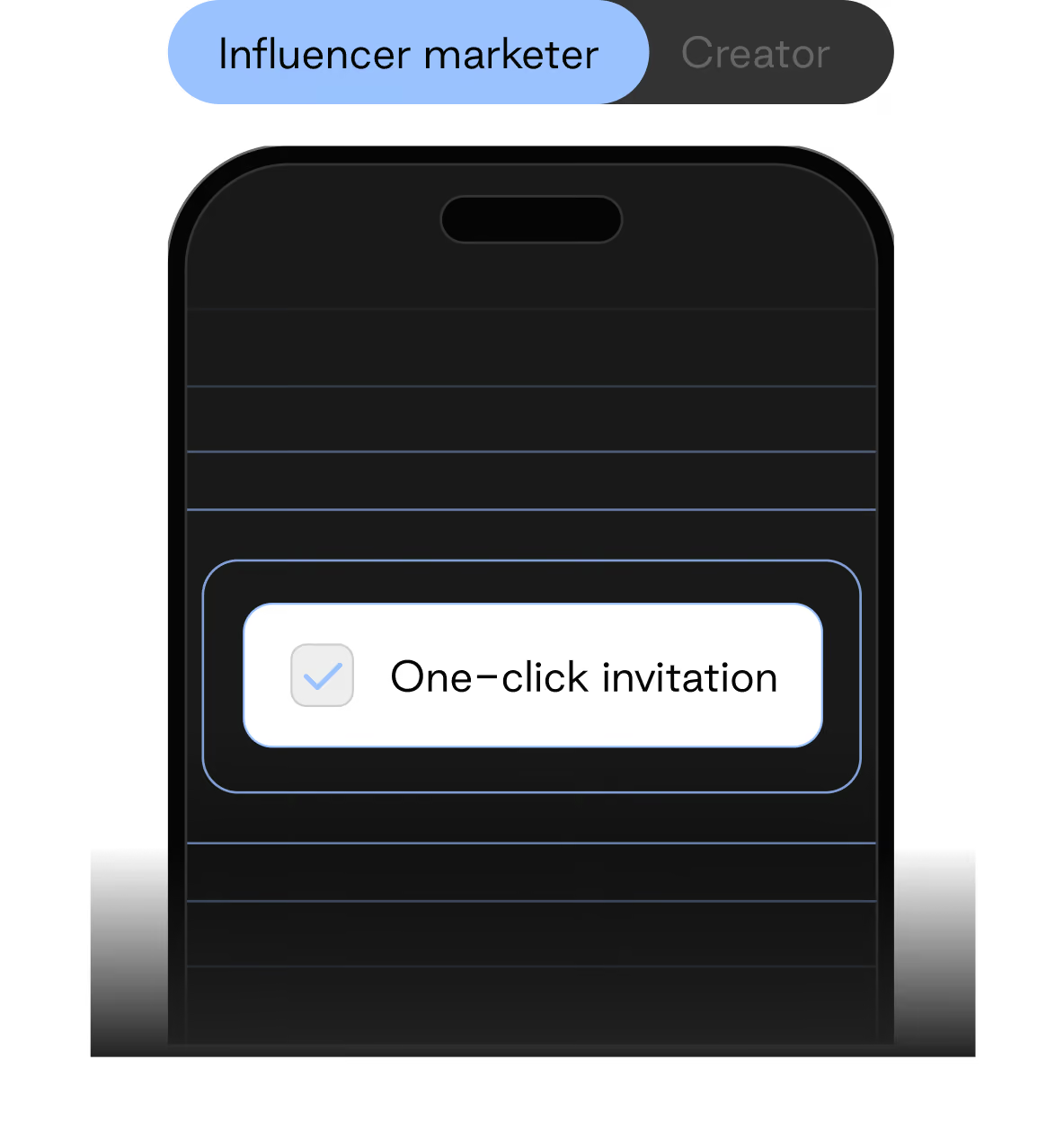
Mobile phone screen showing a selected tab labeled 'Influencer marketer' next to an unselected 'Creator' tab, with a highlighted checkbox for 'One-click invitation'.

One-click permissioning

Request content usage rights and Partnership Ad permissioning in a single ask, approved by the creator in one click.

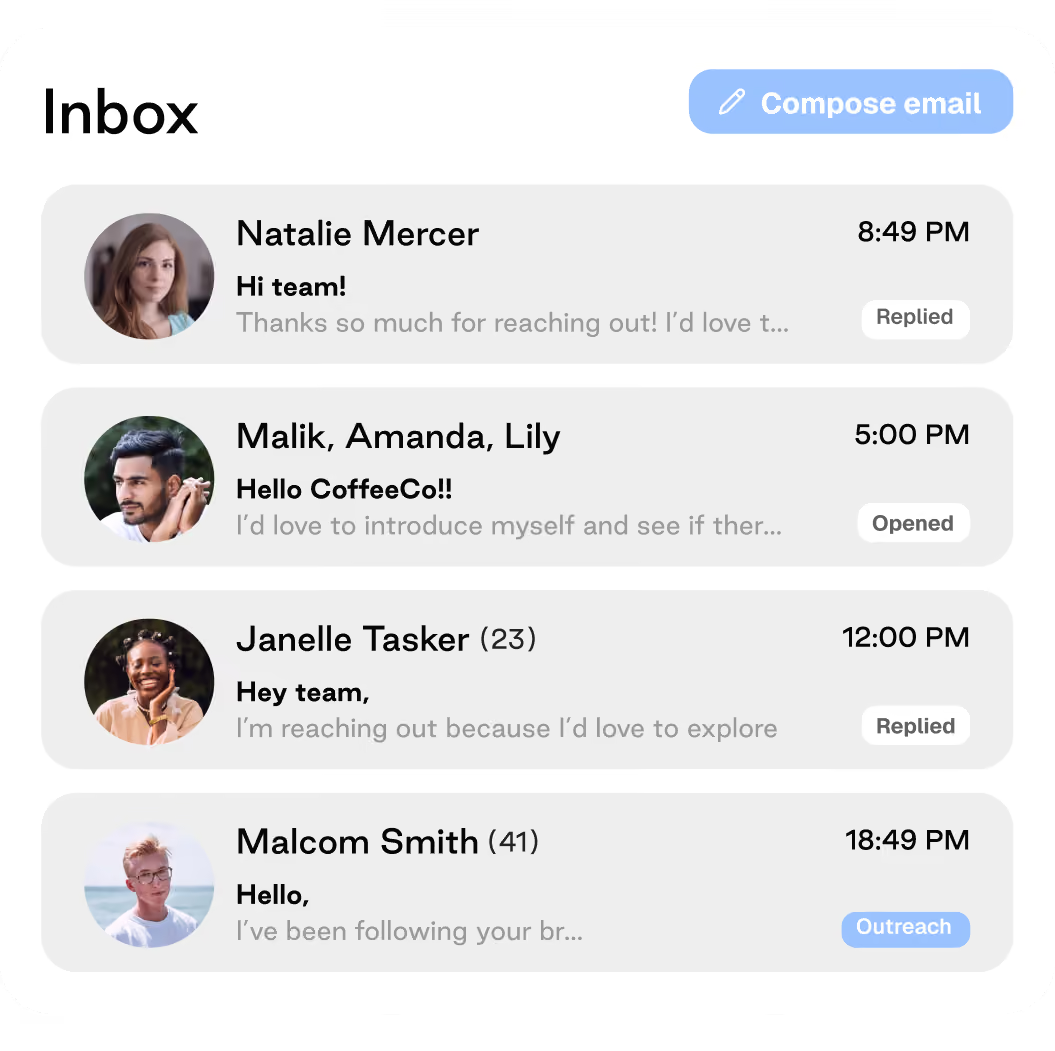
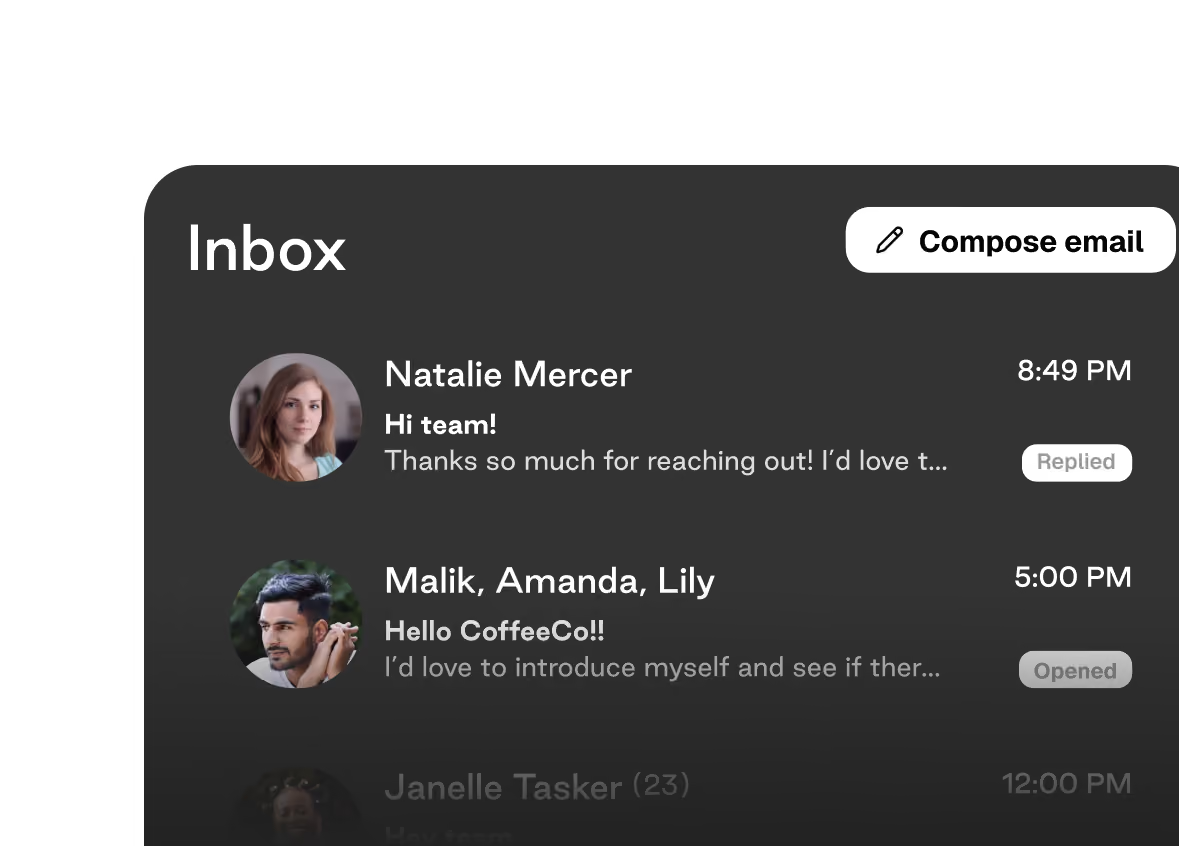
Bi-directional Inbox

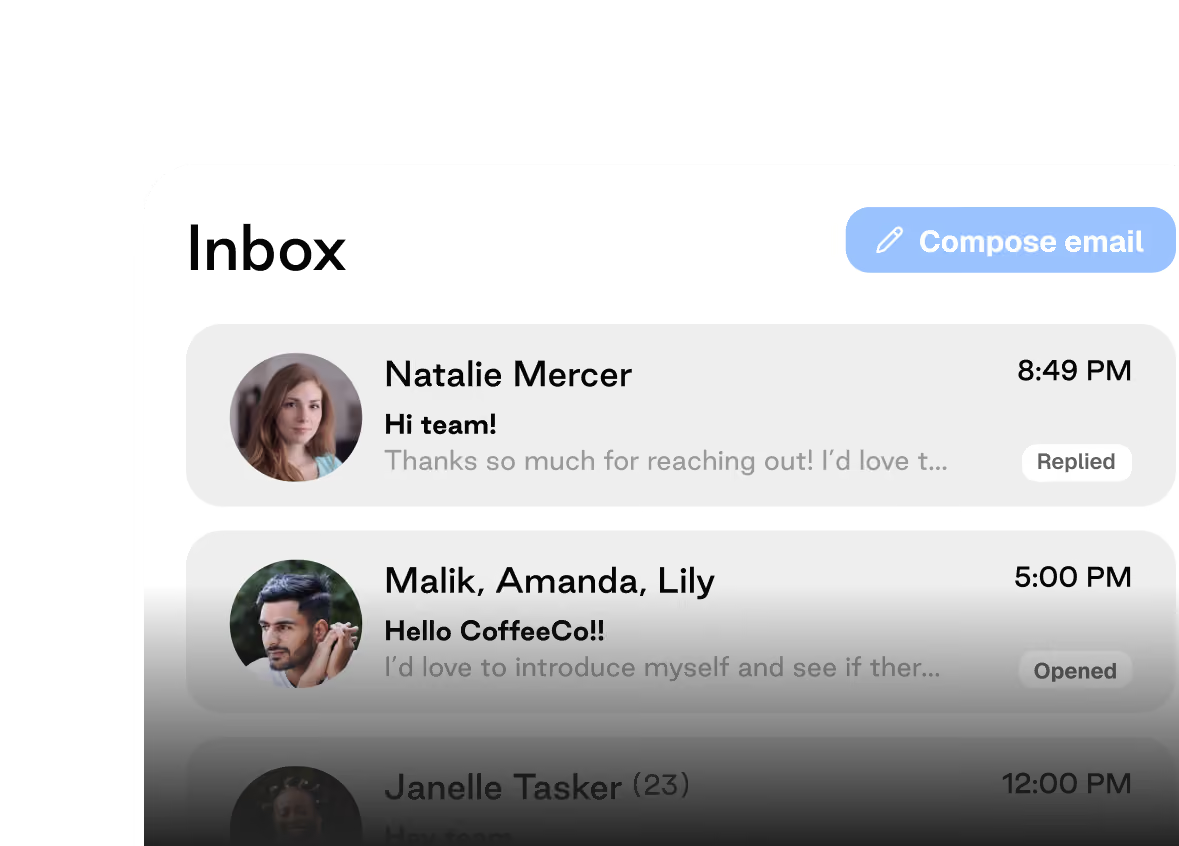
Communicate with creators directly inside Superfiliate — no external inbox required. Every message and response is logged in one place so nothing gets lost between team members.

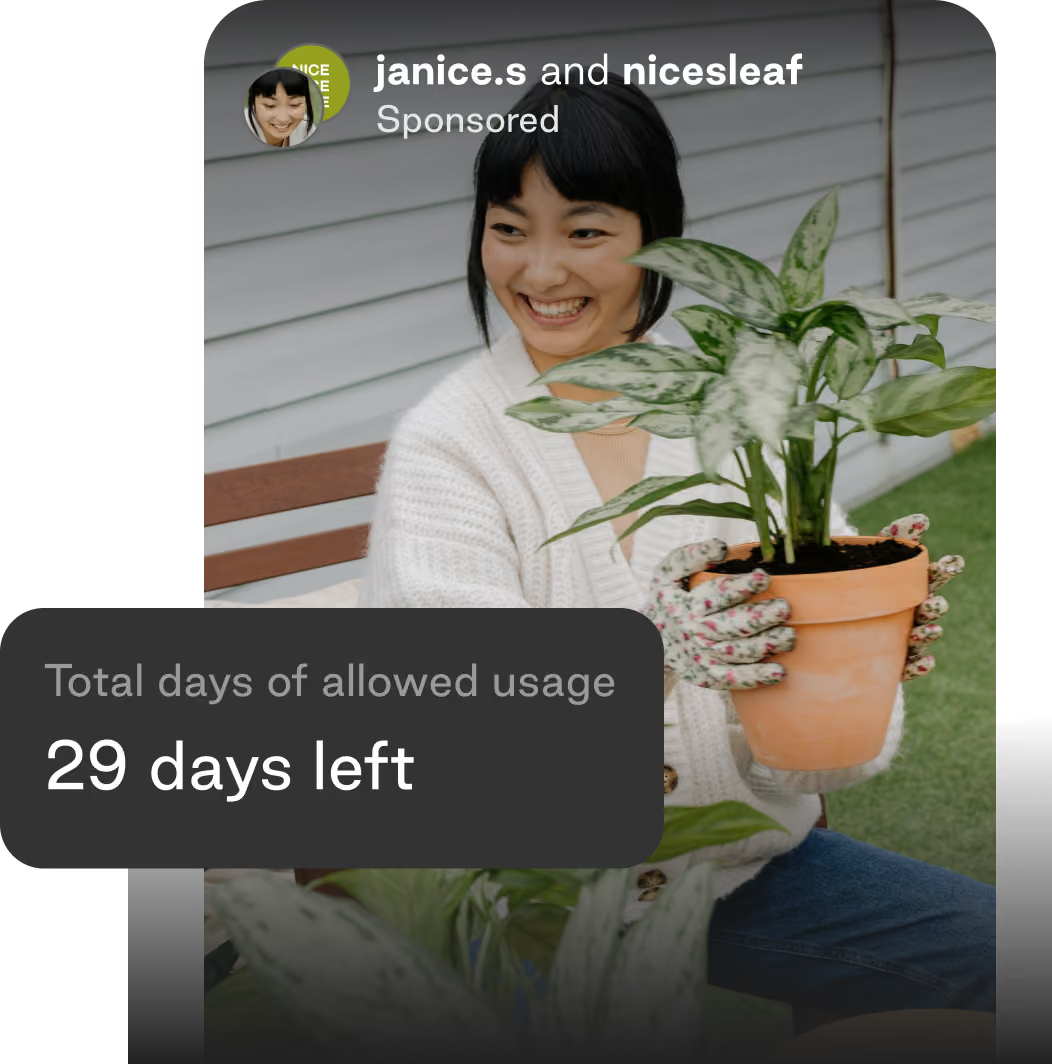
A smiling woman wearing gardening gloves holds a potted plant while sitting outdoors on grass, with another plant in the foreground and a label that reads 'Total days of allowed usage 29 days left.'
Smiling woman wearing gardening gloves and a white sweater holds a potted variegated plant outside near a house with horizontal siding.Smiling woman wearing a white sweater and floral gardening gloves holding a potted green and white variegated houseplant outdoors, with a text overlay stating 'Total days of allowed usage 29 days left.'

Content Library

A centralized library for every piece of licensed creator content that syncs automatically to your Meta Media Library.

Older woman with gray hair tied back, wearing a light sweater, smiling as she holds a plate with a roasted chicken garnished with herbs.
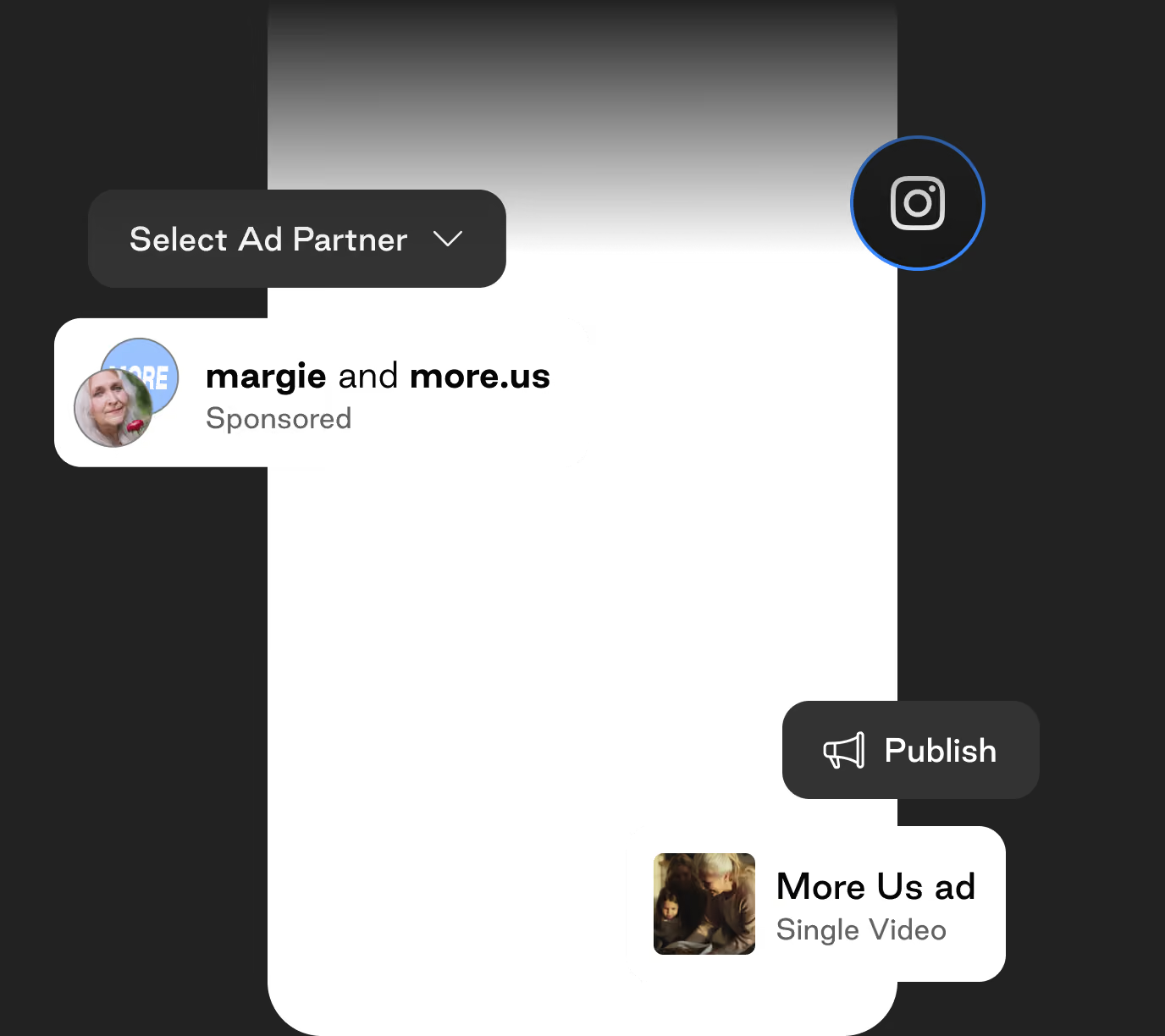
User interface mockup of an ad management screen with a dropdown for selecting an ad partner, a profile image labeled 'margie and more.us Sponsored', an Instagram icon, and a publish button next to a video thumbnail titled 'More Us ad Single Video'.Screenshot of an Instagram ad interface showing options to select ad partner with 'margie and more.us' labeled as sponsored, and a publish button for a single video ad titled More Us ad with a small image of two people.

Bulk Ad Creation

Configure and launch Partnership Ads across multiple creators simultaneously, with authentication included.
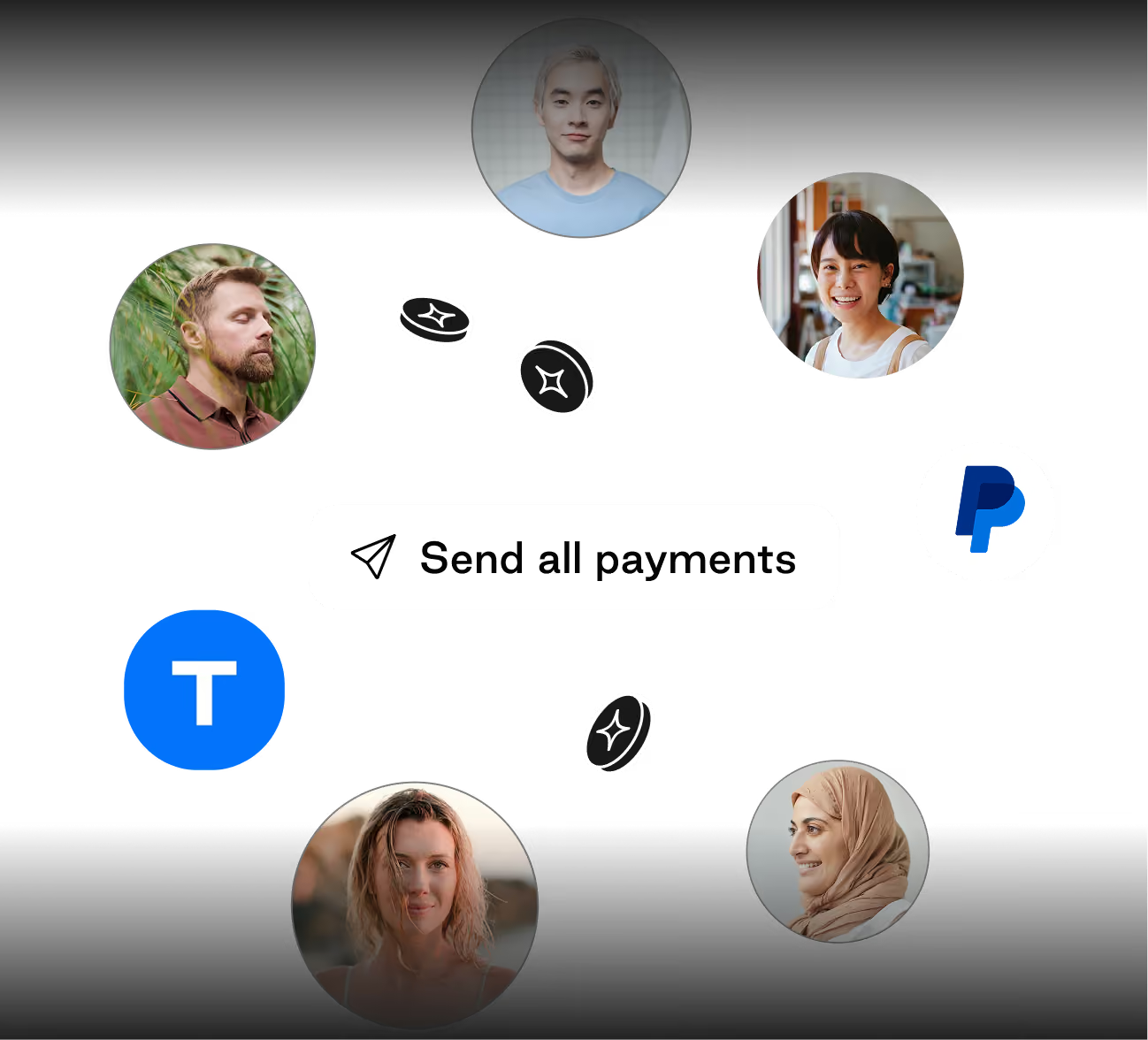
Five diverse profile photos arranged in a circle around the text 'Send all payments' with icons for PayPal and 'T' in blue with coin illustrations.
Collage with six circular profile photos of diverse people arranged around a central dark button labeled 'Send all payments' with a paper plane icon; icons for PayPal and a blue 'T' are also present, along with floating black coins with a white star symbol.Digital illustration of six diverse people’s profile photos arranged in a circle around icons for PayPal and a blue app with a white 'T', with small black coins scattered between them and text in the center reading 'Send all payments' next to a paper plane icon.

Creator Payouts

Set flat fees upfront, link and code commissions, or percentage of ad spend. Calculated and processed inside Superfiliate with no manual reconciliation.
Old way vs. new way

Superfiliate vs. manual social listening to ads workflow

Workflow step
Find content you are tagged in
Secure usage rights
Track rights and 
organize assets
Launch Partnership Ads
Pay creators and read results
Fragmented stack
Scrolling notifications, saving posts manually
DMs, email threads, screenshots as proof
Spreadsheet of expiry dates, files in shared drives
Manual setup in Ads Manager, pasted codes, auth errors
Invoices reconciled after the fact, results split across tools
Superfiliate
Social Listening
One-Click Permissioning + Bi-directional Inbox
Content Library
Bulk Ad Creation
Creator Payouts + Insights dashboard
Frequently asked questions:

Organic content, usage rights, and Partnership Ads

What is social listening?

Social listening is the practice of monitoring social platforms for mentions of your brand, then acting on what you find by forming partnerships with creators or inviting them to creator programs. For D2C brands, the most valuable mentions are from creators who already tag you in posts, Stories, and videos. Superfiliate's Social Listening Suite pulls those mentions from Meta and TikTok into one dedicated tab so you can turn organic fans into program partners.

How does social listening work in Superfiliate?

Superfiliate connects to your Instagram, Youtube, and TikTok Shop accounts through the official Meta and TikTok APIs. Every creator who mentions or tags your brand appears in your social listening tab with metrics like number of posts, engagement rate, and earned media value (EMV). From there you can vet creators, send a one-click DM invite, and route them to your branded sign-up portal.

What is the difference between social listening and social monitoring?

Social monitoring collects mentions. Social listening uses those mentions to make decisions. Most social listening tools were built for brand sentiment and customer support. Superfiliate's version is built specifically for creator recruitment, so the output is not a sentiment report but a collection of content who creators who already love your brand and are ready to be invited into your influencer, affiliate, or ambassador program.

Do I need a separate social listening tool for influencer marketing?

No. General social listening platforms track sentiment and keywords across social and the web, which is useful for PR but does not help you recruit creators. Superfiliate includes social listening as part of its creator marketing platform, so discovery, outreach, program sign-up, tracking, and payouts all happen in one place without a second subscription.

How do I find creators who are already posting about my brand?

Start with your own tagged posts and mentions. Superfiliate's Social Listening Suite automatically surfaces every creator who has tagged your brand on Instagram, YouTube, or TikTok Shop, along with how often they post and how their content performs. These creators convert into program partners at a far higher rate than cold outreach because they already use and recommend your product.

Which platforms does Superfiliate's social listening cover?

Superfiliate's social listening covers Instagram, YouTube, and TikTok Shop through first-party API integrations. Easily vet creators from your UGC library to find the ideal brand fit and invite them to your program with one click.

What is earned media value (EMV) and how does social listening use it?

Earned media value estimates what the organic exposure a creator generates for your brand would have cost as paid media. Superfiliate calculates EMV for each creator surfaced through social listening, alongside post count and engagement rate, so you can prioritize outreach to the creators driving the most value before you spend a dollar.

How do brands manage YouTube creator partnerships?

Creator-led creative for brands is advertising and marketing content produced by creators, rather than in-house studios or traditional agencies. Brands use creator-led creative to lower production costs, improve authenticity, and increase paid social performance. Creator-led ads consistently outperform studio-produced ads on Meta and TikTok, thanks to their less polished, more authentic nature.

Why is social listening important for a creator program?

Social listening replaces cold outreach with warm inbound. Creators who already tag your brand are proven fans, so they are more likely to accept an invite, post consistently, and stay in your program instead of churning after one campaign. Brands like MUD/WTR report finding most of their top-performing creators through Superfiliate's organic discovery rather than influencer databases.
Don't let your best ad creative go unused

See how social listening feeds Meta Partnership Ad creation at scale.

Get to know us

Resources for building a creator-led business.

Superfiliate Insiders

Your hub for the latest on the creator economy. Honest talk. No secrets.
Real solutions.
Get to know home image

The Influencer Marketing
Field Guide

Our video-first curriculum featuring 30+ industry insiders
on how to build a best-in-class creator program.
Home GetToKnow 02
field guide home illustration