Your creator program, connected to the AI you already use
Connect Superfiliate MCP to Claude, ChatGPT, Gemini, Cursor, or any AI-compatible workspace. Superfiliate MCP gives your AI an agent built for creator operations, with 500+ pre-built skills to move work forward from chat. Automate the busywork. Not the relationships.

Trusted by creator-led brands













Bring Superfiliate into your favorite AI tool.






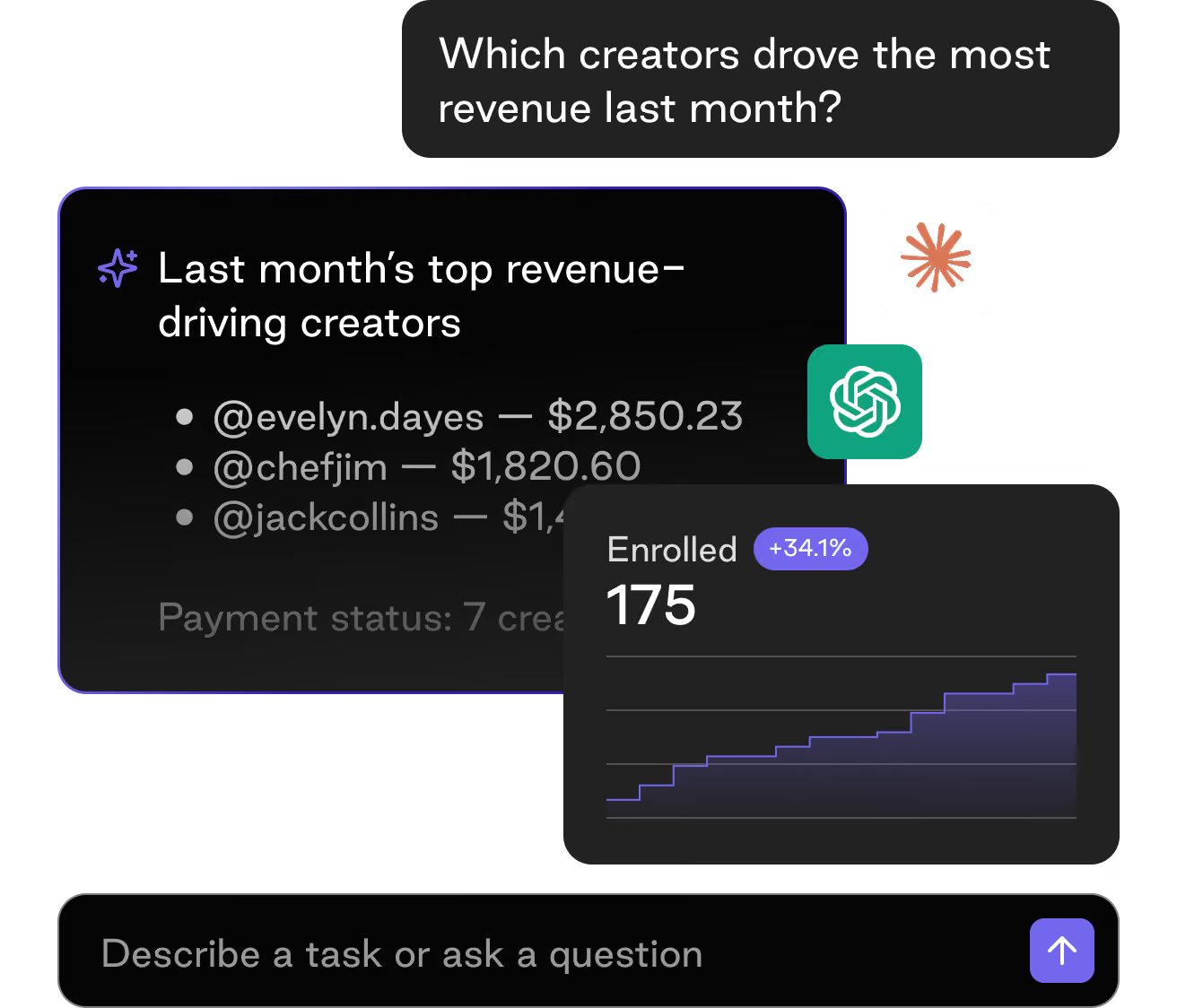
Ask your creator program anything.
Your favorite AI, now fluent in creator programs.
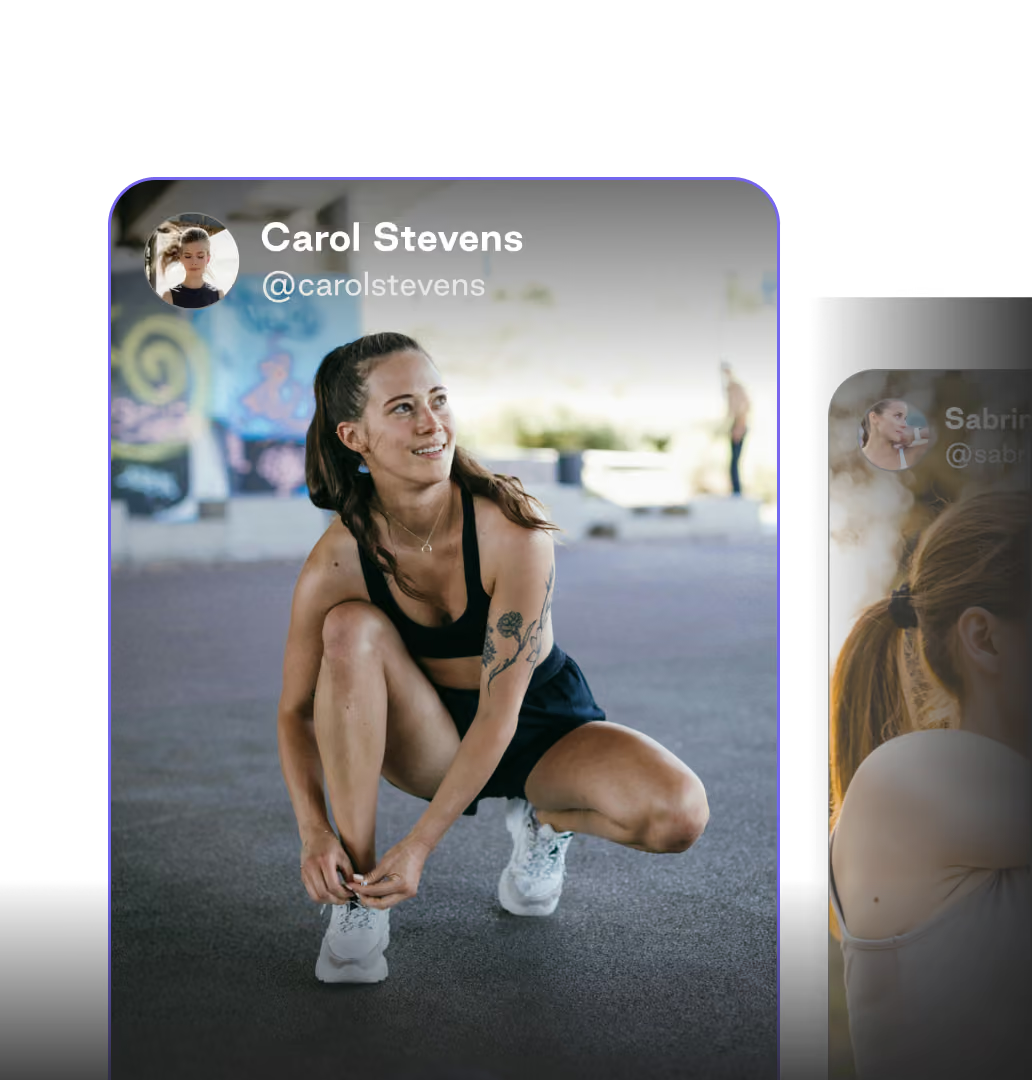
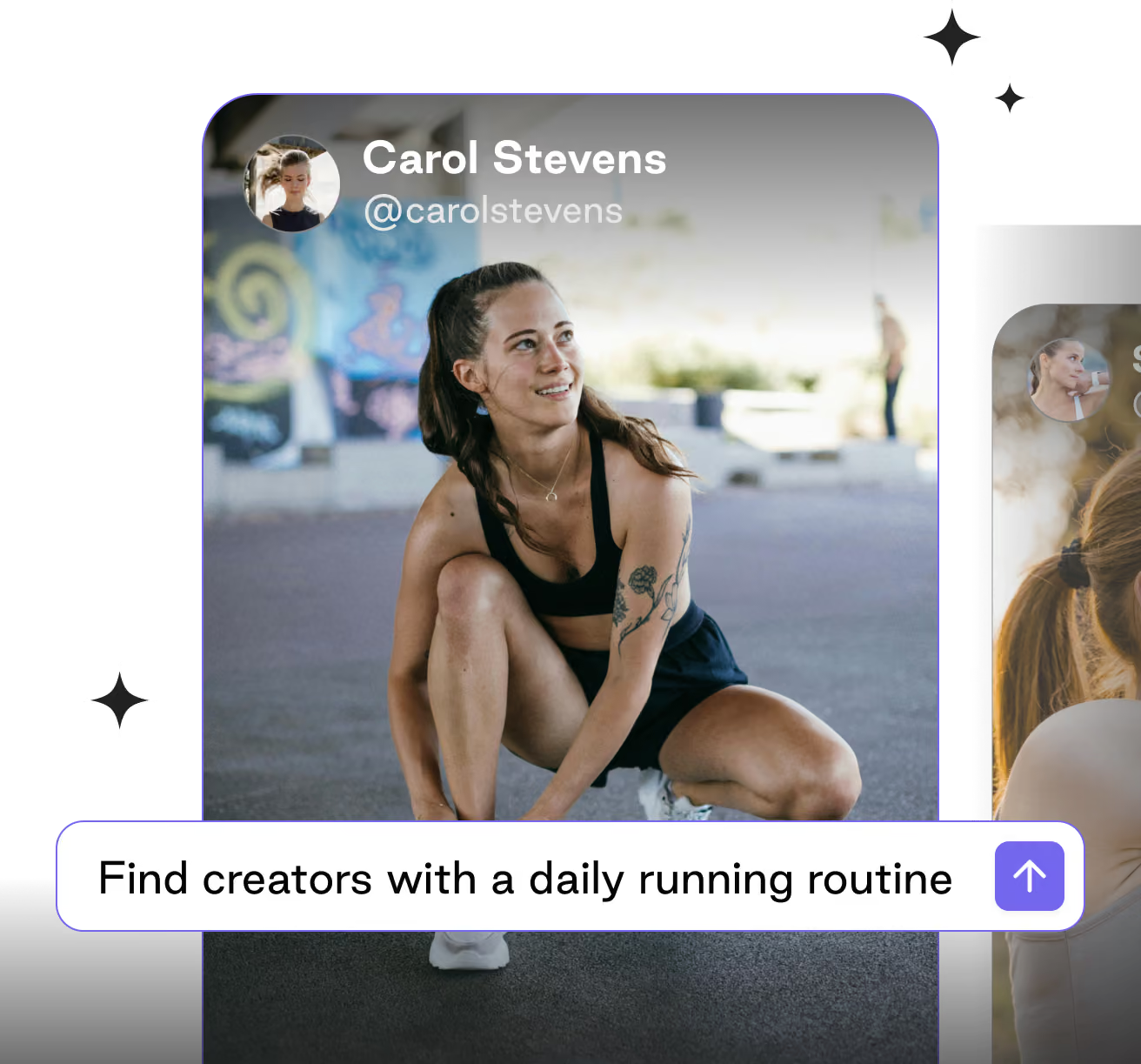
Find the creators with the best brand fit
Know what’s working
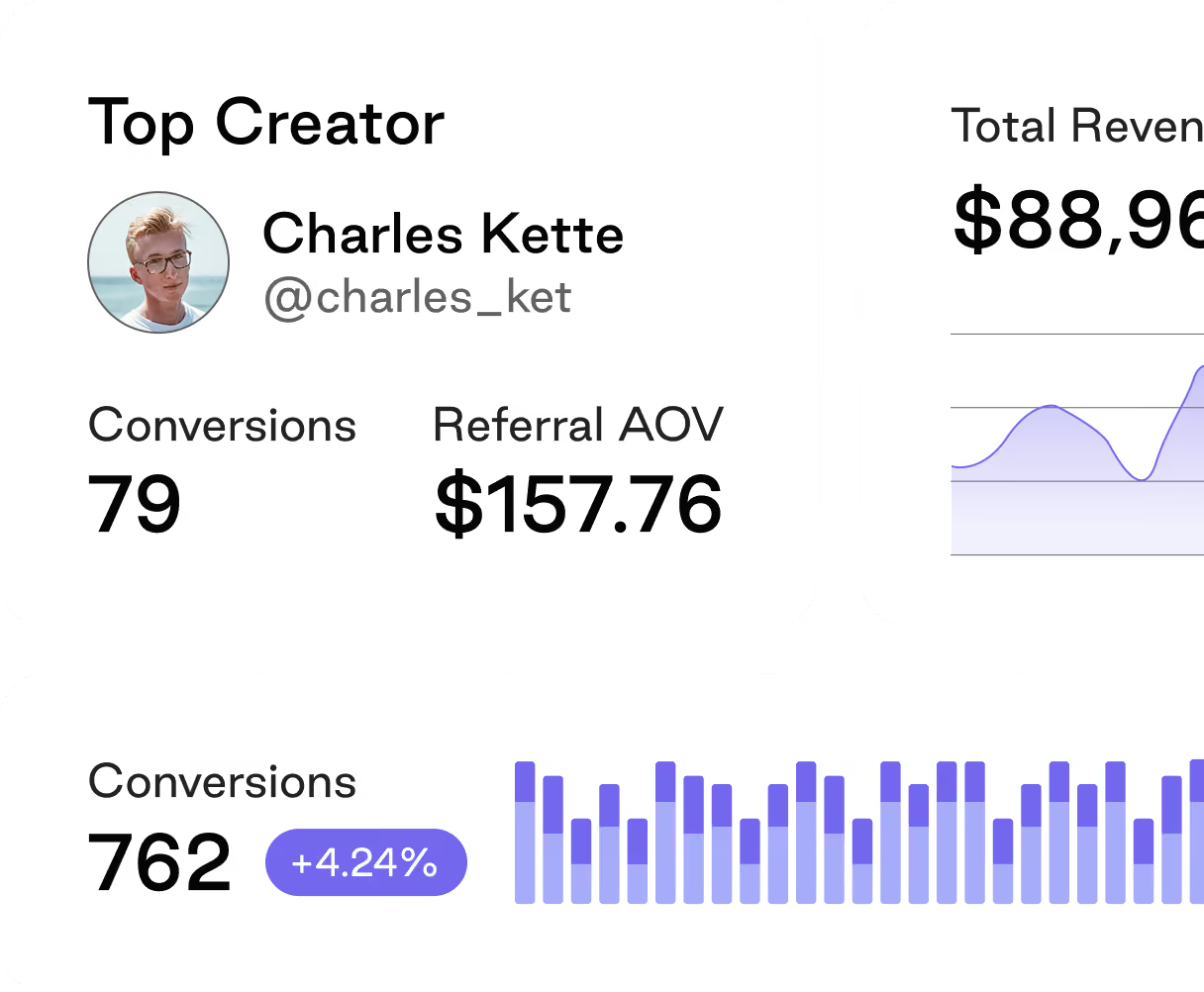
See which payments are outstanding

Ask about the status of your gifts

Turn the answer into the next move
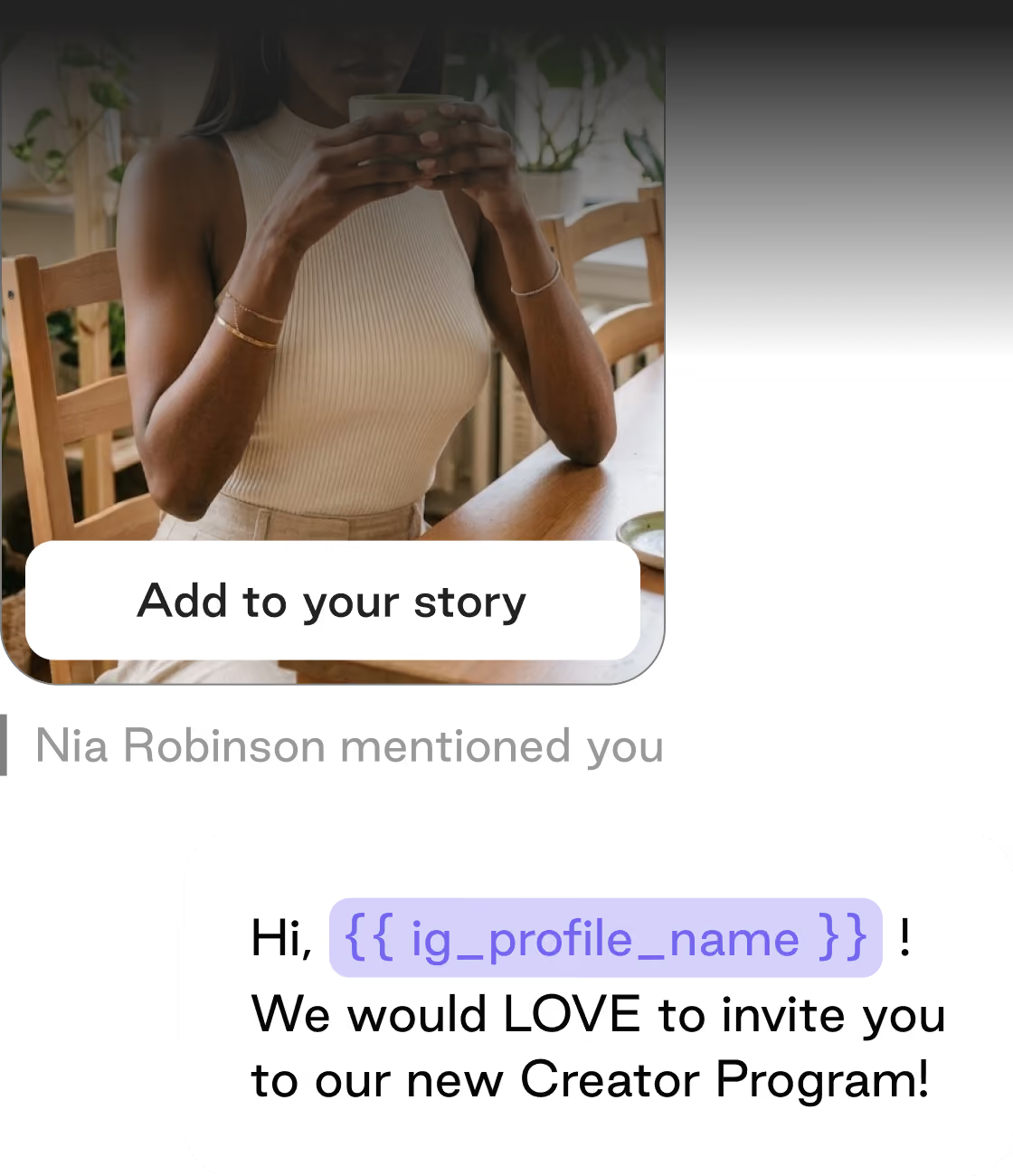
Your whole creator program, available to whichever AI tool you already work in.
AI doesn't replace influencer marketers. It makes them 10x more effective.
Let AI handle the busywork.
Let your people build the relationship.
Set up in about
a minute.
Spend less time operating. More time growing.
You're still in control.
You authorize it with your own login
Read-only by default
Nothing is deleted
Revoke access any time
Included on all Superfiliate plans.
If you are on a Superfiliate plan, the MCP server is already part of it. There is nothing extra to buy and no separate contract to sign.
Does Superfiliate have an MCP server?
Yes. Superfiliate offers an official MCP server that connects your favorite AI assistant directly to your Superfiliate account. Once connected, you can ask an app like Claude or ChatGPT about your program in plain language and get answers grounded in your live data — no exports or copy-pasting required. Setup takes just a few clicks: add the connection in your AI app, sign in to authorize it, and choose the shop you want to connect.
What is MCP?
MCP (Model Context Protocol) is an open standard that lets AI assistants securely connect to outside tools and data. The Superfiliate MCP is our official connection point. It lets an AI app you already use, like Claude or ChatGPT, work directly with your Superfiliate program data through a secure, standardized interface. No copy-pasting, no exports: your AI can pull the numbers and answer questions in the context of your actual account.
Which AI apps work with the Superfiliate MCP?
Any AI client that supports MCP. That includes popular assistants like Claude, Claude Code, and ChatGPT, plus AI-native tools like Cursor, Codex, and Windsurf. As long as your app can add an MCP connection, it can connect to Superfiliate.
Can Claude or ChatGPT connect to Superfiliate?
Yes. Both Claude and ChatGPT support MCP connections, so you can link them to your Superfiliate account and start asking questions about your program right away.
What can my AI agent see and do in my Superfiliate account?
Your AI can access the program data you'd expect it to help with. Areas like affiliate and creator performance, creator search, sales and commission metrics, payouts status, and answer questions or summarize trends on top of it. Access follows your account's permissions, so your agent only sees what you're allowed to see.
Which Superfiliate plan includes MCP access?
Every Superfiliate plan includes MCP access at no extra cost. Book a demo and we will confirm what is enabled on your account.
Is the Superfiliate MCP secure? Can my AI delete or change data?
Access is authorized with your own Superfiliate login and scoped to your permissions. Tools are read-only by default, no destructive operations are exposed, and you can revoke access at any time.
How do I connect the Superfiliate MCP to my AI tool?
1. Open MCP/connections settings in your Superfiliate account and generate a connection.
2. In your AI app (Claude, ChatGPT, etc.), add a new MCP connection and paste the Superfiliate connection details.
3. Authorize the connection.
4. Start asking your AI questions about your Superfiliate program.
Your creator program already has the answers. Now you can talk to it.
Automate the work. Own the relationship.
Get to know us
Superfiliate Insiders
The Influencer Marketing
Field Guide